Unlimited recordings
Record for as long as you want with no upload limits. Your recordings stay on your device.
100% on-device · no cloud · one-time purchase
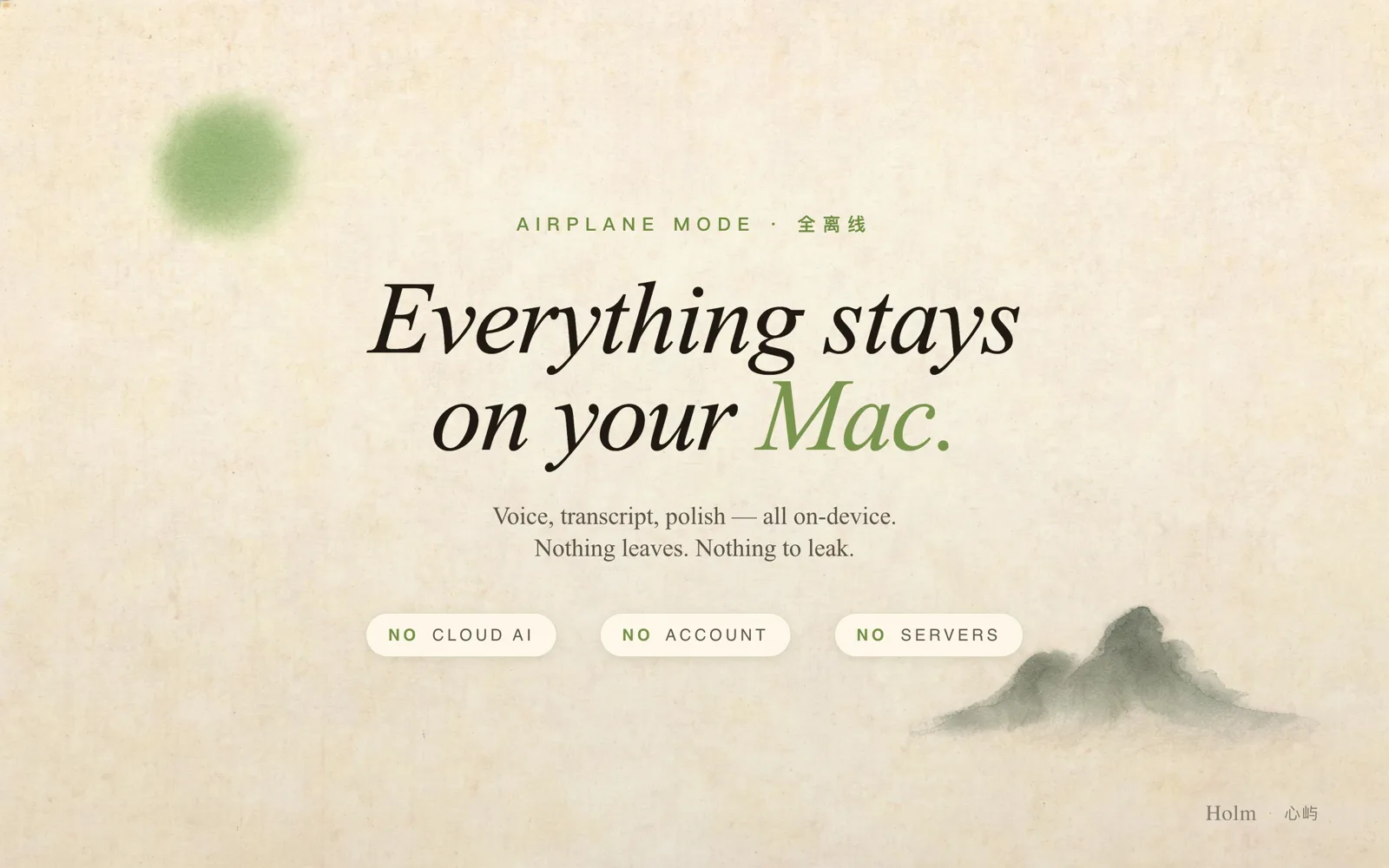
From the first word to the finished note — every step happens on your Mac.
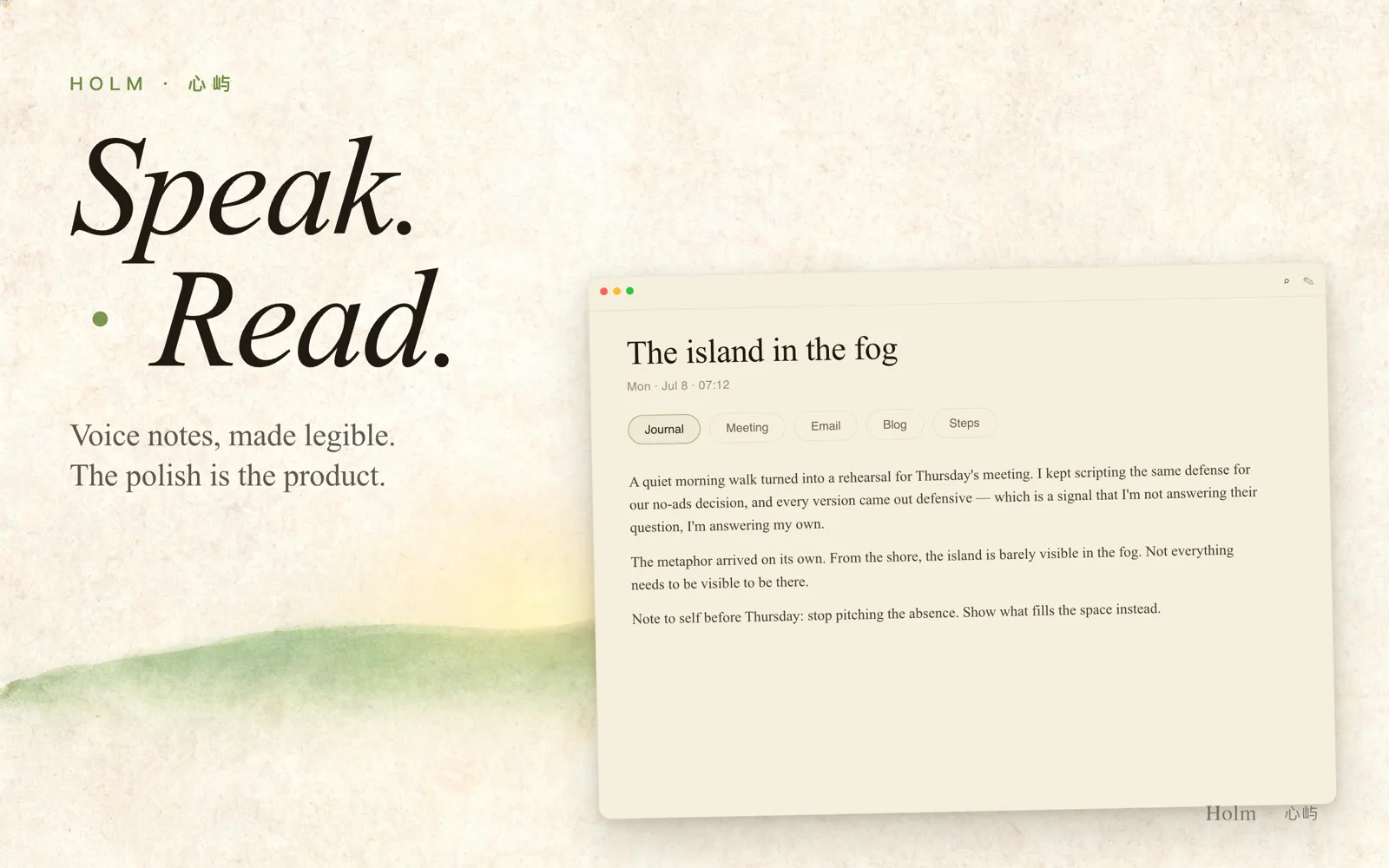
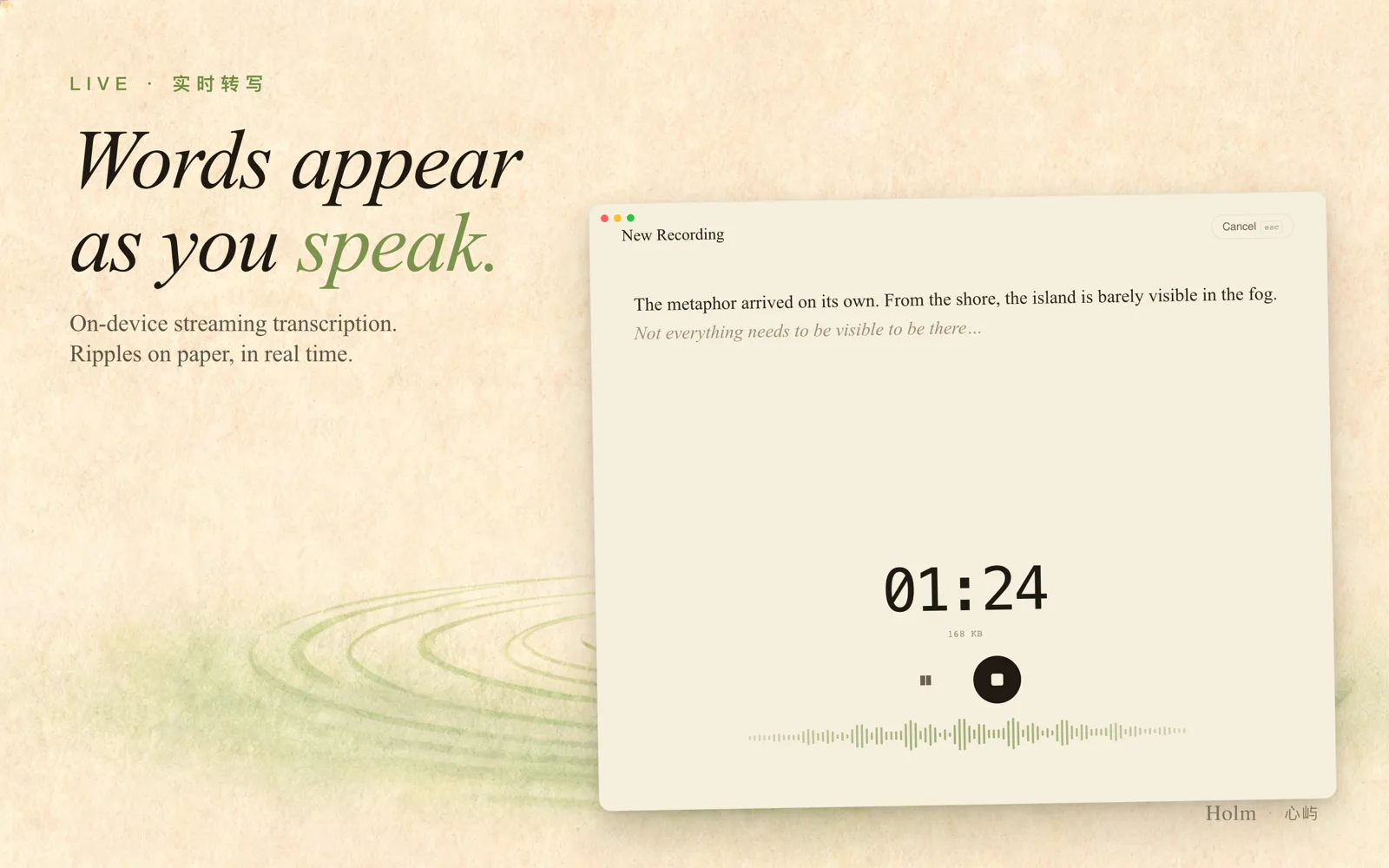
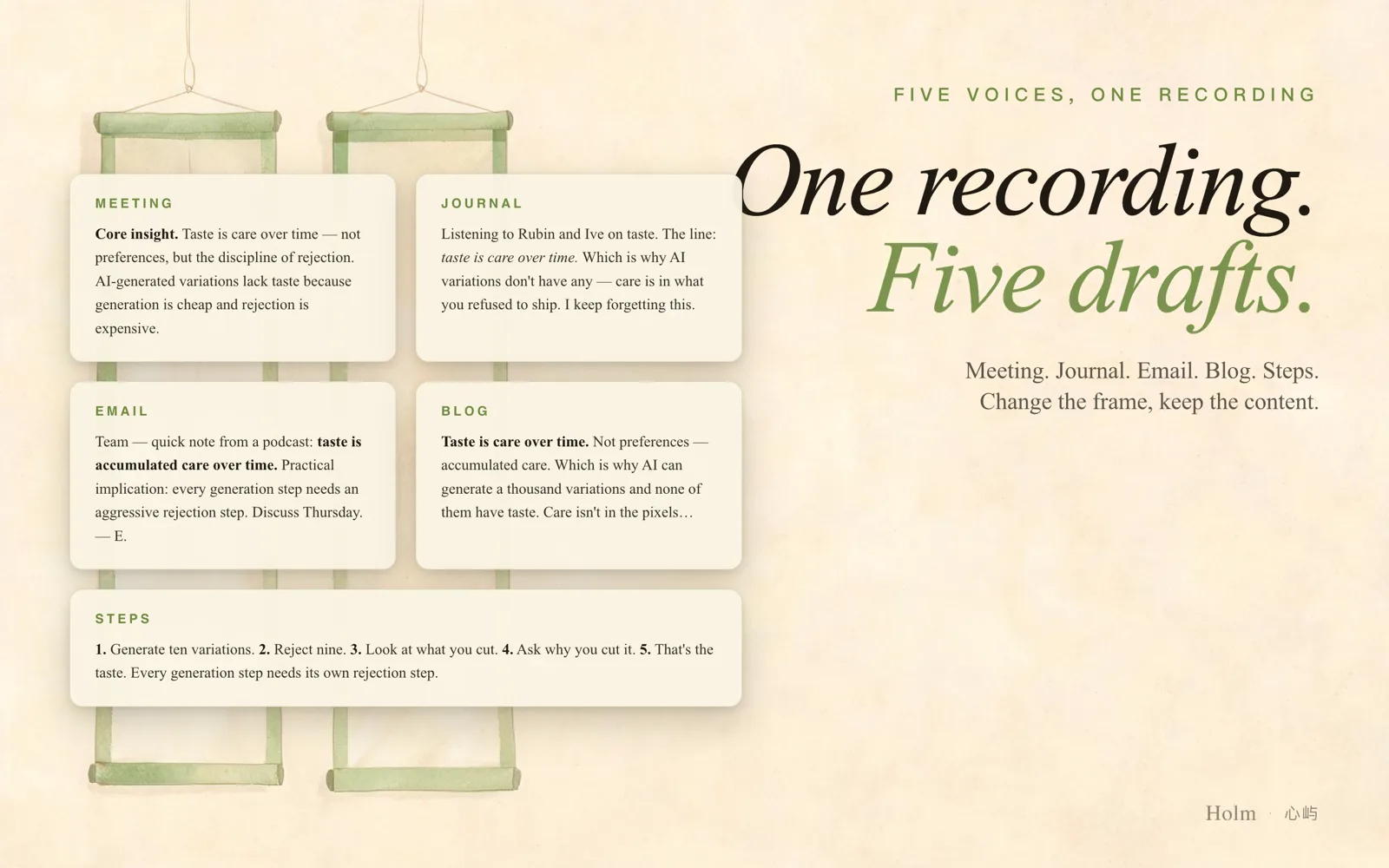
Record for as long as you want with no upload limits. Your recordings stay on your device.
State-of-the-art transcription powered by WhisperKit — entirely on your device.
Apple Foundation Models and MLX Qwen run locally to refine and summarize your notes.
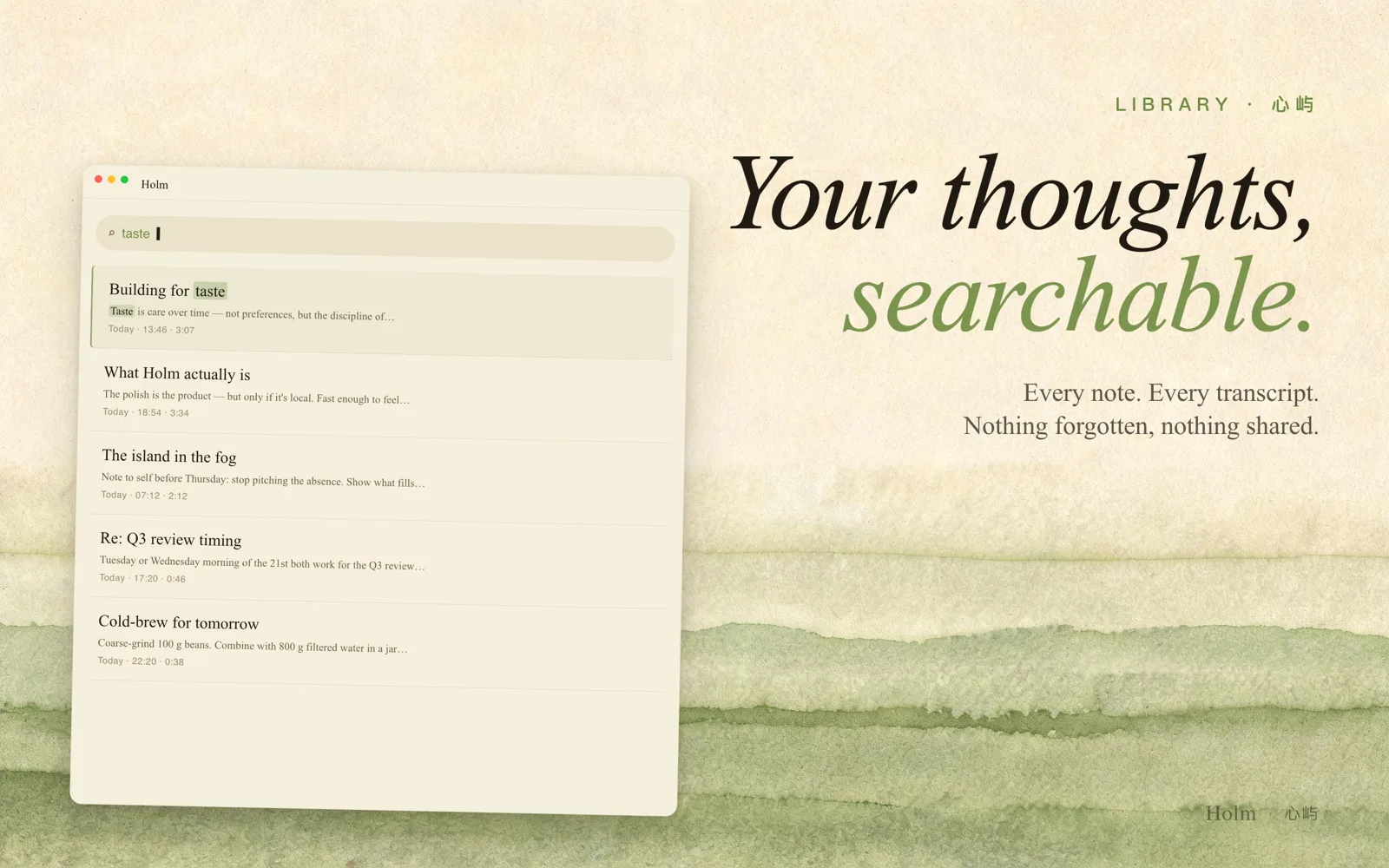
Instantly search across all your transcripts, titles, and notes.
Your private CloudKit database. Optional, opt-in, always yours.
Start and stop recordings from your wrist without reaching for your phone.
"The microphone goes straight to the chip. Full stop."
One-time purchase. No subscription.
Android — not available
No. All audio files are stored locally in the app's Documents folder. Transcription and AI processing happen entirely on-device. The only network requests Holm makes are (1) downloading the Whisper model from Hugging Face CDN on first use, and (2) optional iCloud sync using your own Apple account.
When you enable iCloud sync, Holm stores note metadata (titles, transcripts, timestamps) in your private CloudKit database — accessible only to you via your Apple ID. Audio files are synced separately and only if you explicitly opt in. You can delete all iCloud data at any time from iOS Settings → [Your Name] → iCloud.
Holm uses WhisperKit, which supports dozens of languages. The shipping Mac app requires an Apple silicon Mac with at least 8 GB RAM. The transcription model is downloaded once (~500 MB) on first use and stored locally.
No, after the initial model download Holm works fully offline — including recording, transcription, and AI summarization. Internet access is only needed for the one-time model download and optional iCloud sync.
Holm uses Apple Foundation Models on supported macOS 26 Macs and a bundled MLX Qwen model on all supported Macs to refine wording and generate summaries. No data is sent to any external AI service.
No. Holm is a one-time purchase. You get all current features and future updates for the price you paid.
All local data (recordings, transcripts, notes) is deleted with the app. If you had iCloud sync enabled, your CloudKit data remains in your iCloud account until you delete it from iOS Settings.
No, and there's no Android support planned. Holm is currently sold exclusively on the Mac App Store, as a Mac Catalyst app. iPhone and Apple Watch versions exist in the codebase, but they are not a purchasable or shipping channel today.